Draw & retouch
Use paintbrush, pencil, eraser, bucket fill, gradients, clone stamp, recolor, and color picker tools with adjustable widths and tolerances.
 Pinta Online
Pinta Online · free image & photo editor
Pinta’s desktop paint program, running natively in a browser tab. Paint, retouch photos, select, layer, type, transform, and export—no installer, no account, and no remote desktop streaming your files through a server.
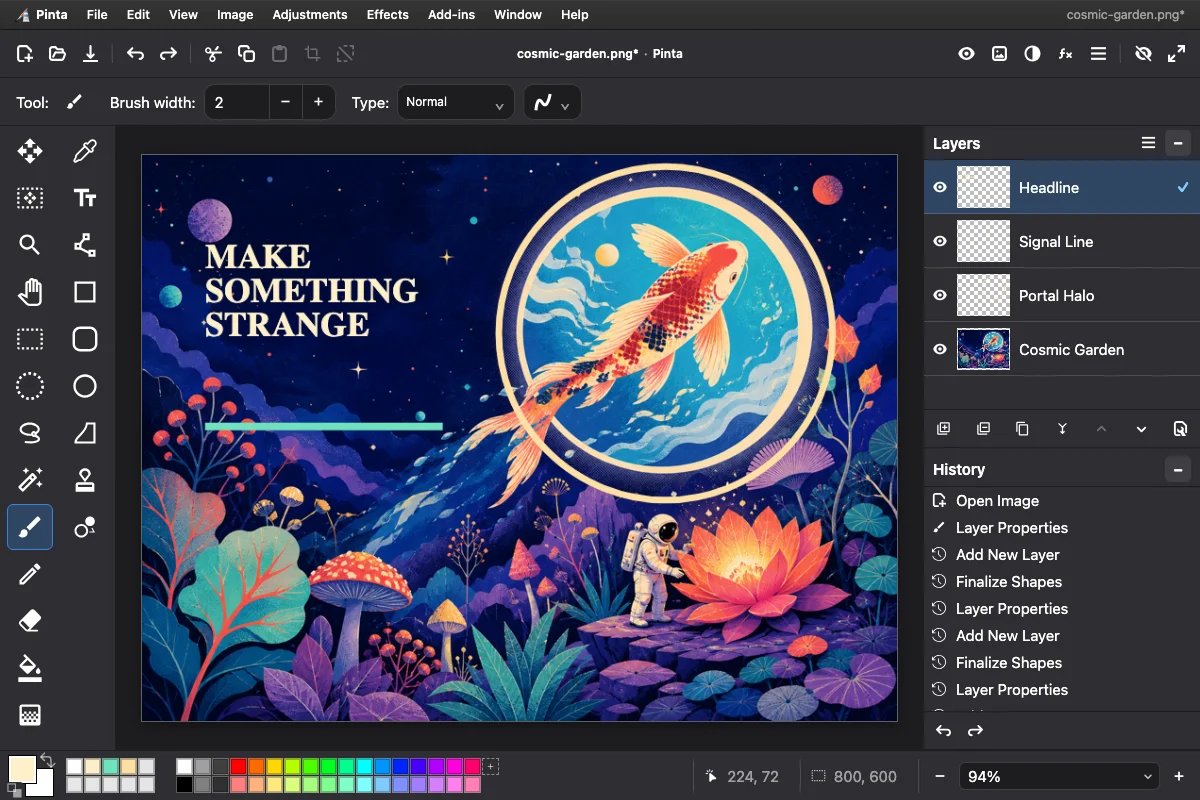
Real editing tools
Pinta Online brings the most-used drawing, photo editing, layer, selection, and effect workflows together in one responsive online editor. Need a graphic in the next ten minutes? See why it works as a free online paint app for quick designs.
Use paintbrush, pencil, eraser, bucket fill, gradients, clone stamp, recolor, and color picker tools with adjustable widths and tolerances.
Build rectangle, ellipse, lasso, polygon, and magic-wand selections. Union, exclude, intersect, invert, offset, move, fill, erase, or crop them.
Create, duplicate, merge, reorder, hide, rename, flip, rotate, and scale layers with opacity controls, thumbnails, and 16 blend modes.
Edit multiline text directly on the canvas. Build lines, curves, rectangles, rounded rectangles, ellipses, and freeform shapes with live handles.
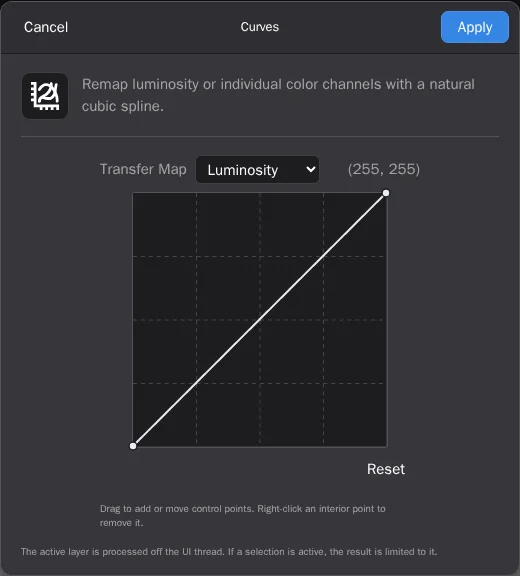
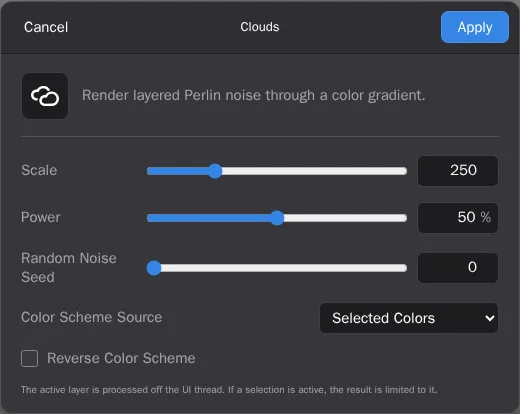
Work with Curves, Levels, hue, contrast, Gaussian and motion blur, noise reduction, sharpening, distortions, artistic treatments, fractals, clouds, and more—off the UI thread.
Keep branch-aware history per document while tabs preserve their own canvas, layers, selection, dimensions, zoom, filename, and dirty state.
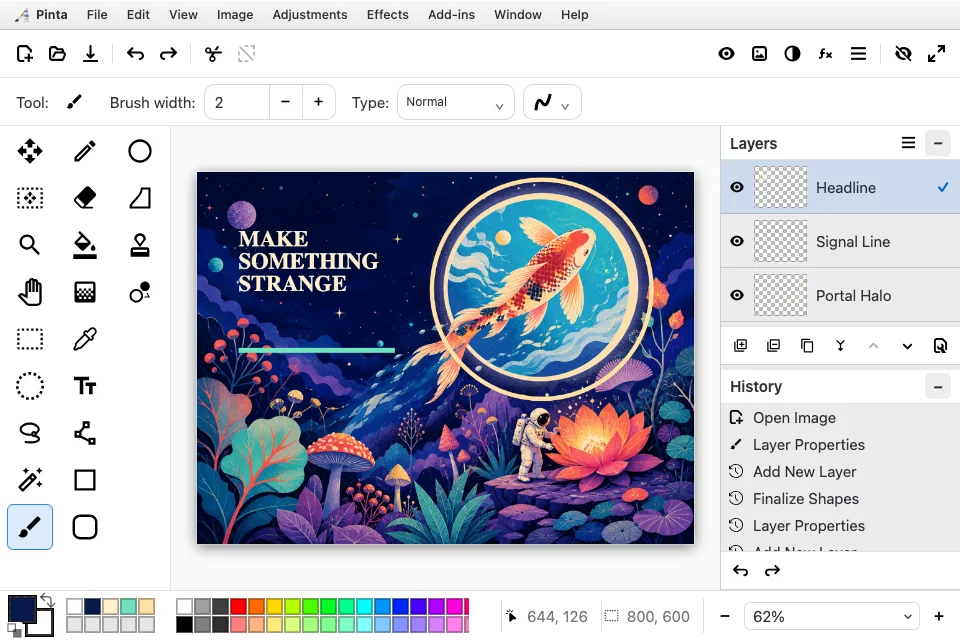
The actual interface
Every image below comes from the same pinned Playwright screenshot suite used to protect the editor’s visual fidelity.
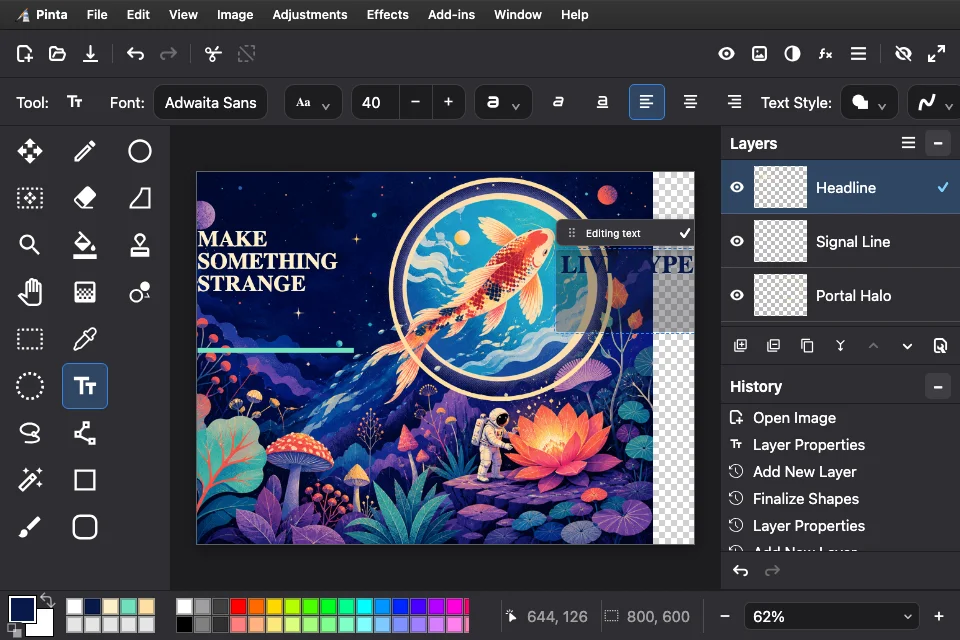
Direct manipulation
Place multiline text where it belongs, drag it into position, and change family, size, weight, variant, italic, underline, alignment, fill, outline, and background before committing.
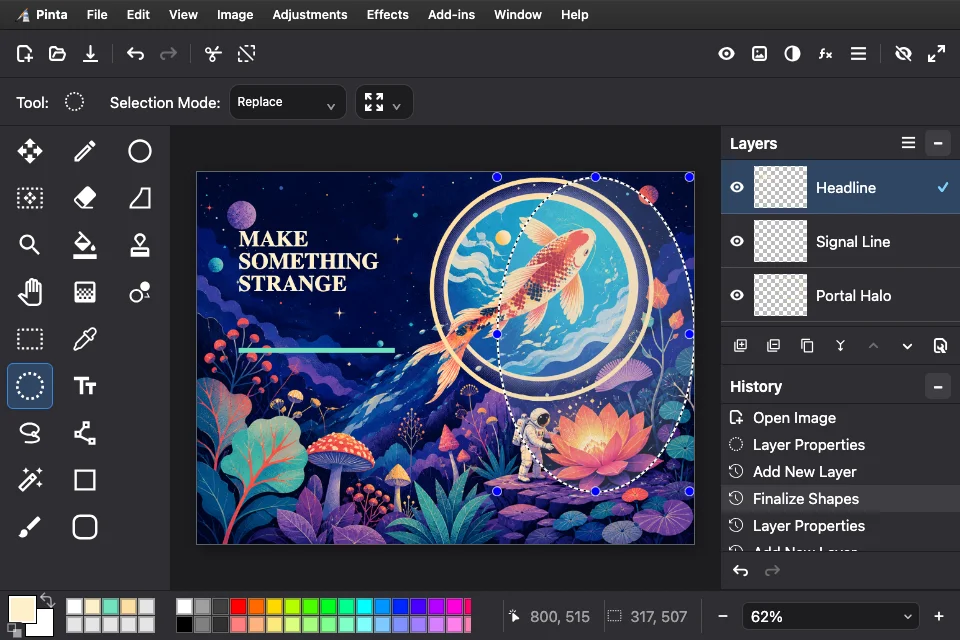
Pixel-aware selections
Selection masks survive undo and redo. Combine regions using Replace, Union, Exclude, Xor, or Intersect, then cut, copy merged, paste into a layer or image, offset, crop, or transform.
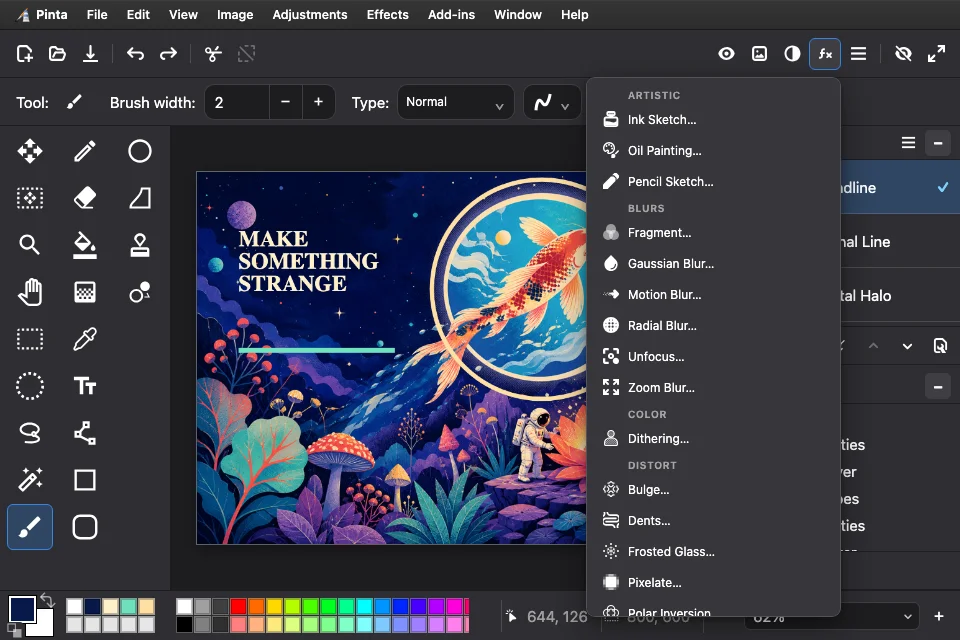
A deep effect library
Fine-tune Curves and Levels, correct photos, render procedural textures and fractals, add artistic treatments, or explore blur, noise, distortion, object, and stylize categories.
One world, ten treatments
We brought an original Cosmic Garden illustration into Pinta Online, then added live type, a shape-tool halo, and a graphic signal line on separate layers. A flattened copy was run through the library one effect at a time. Keeping the subject fixed turns the grid into a visual control experiment: every image differs only by the tool it demonstrates.
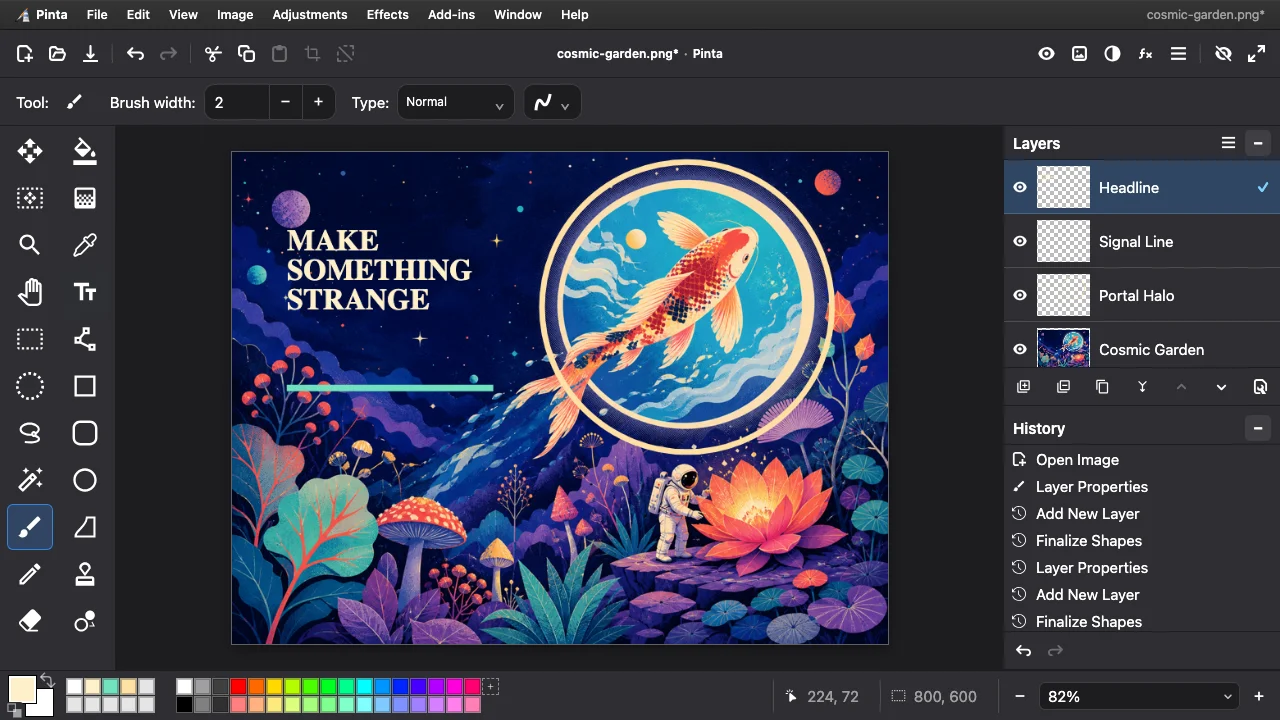
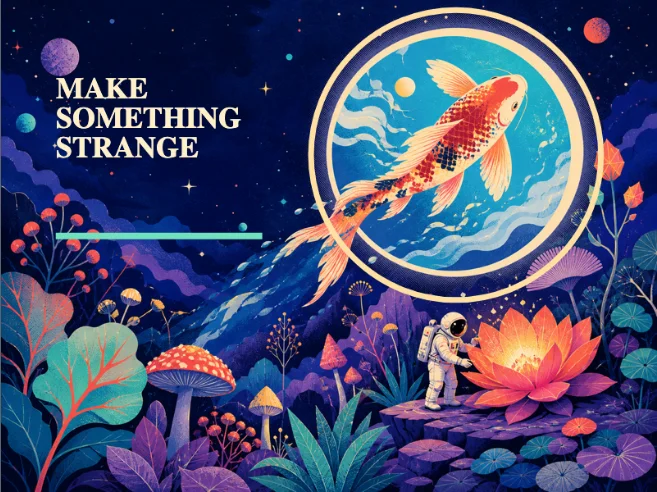 UntreatedImported art, ellipse, line, live text
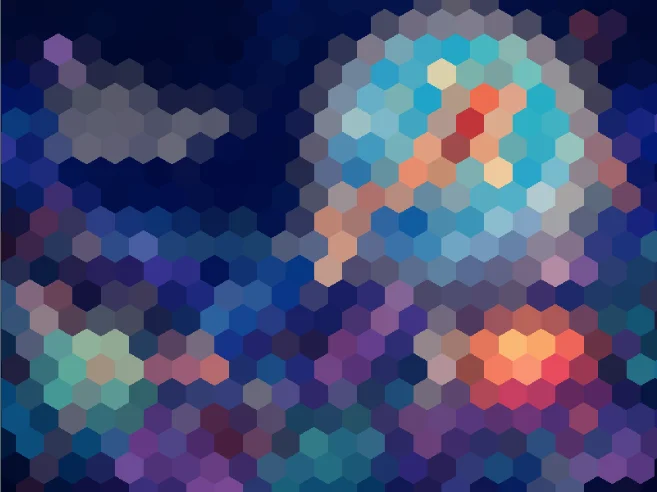 Hexagon PixelateA mosaic from an add-in
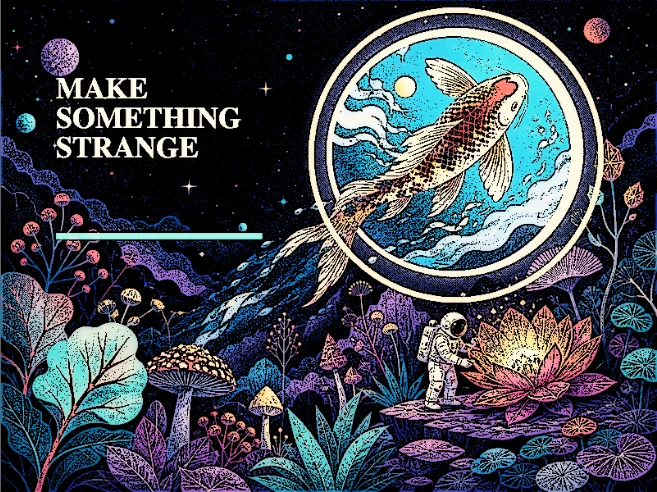 Ink SketchGraphic-novel linework
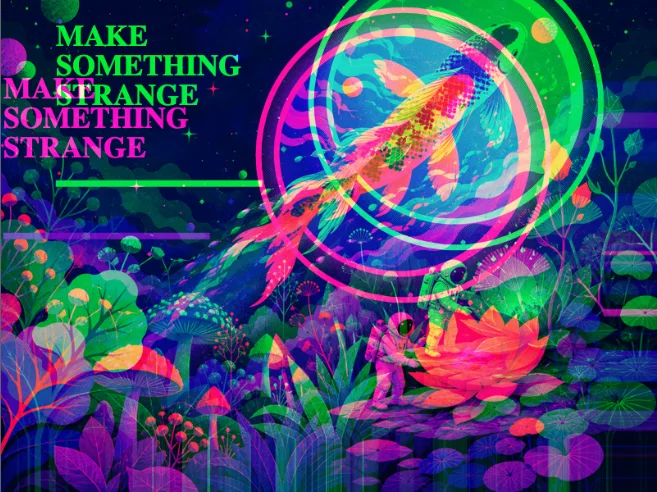 Chromatic AberrationChannels split by 14px
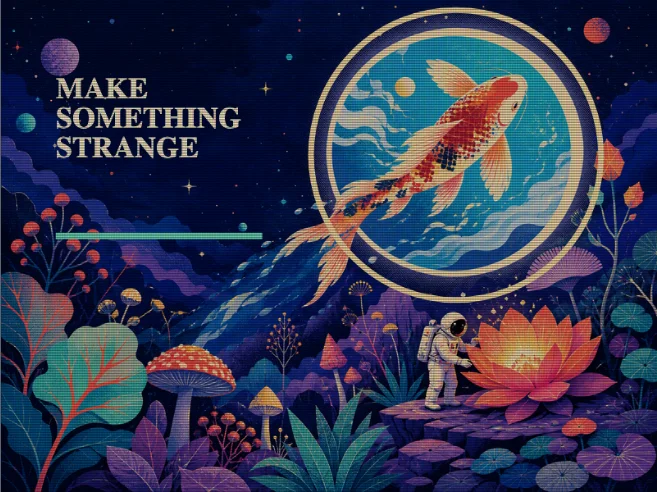 ScanlinesCRT ruling
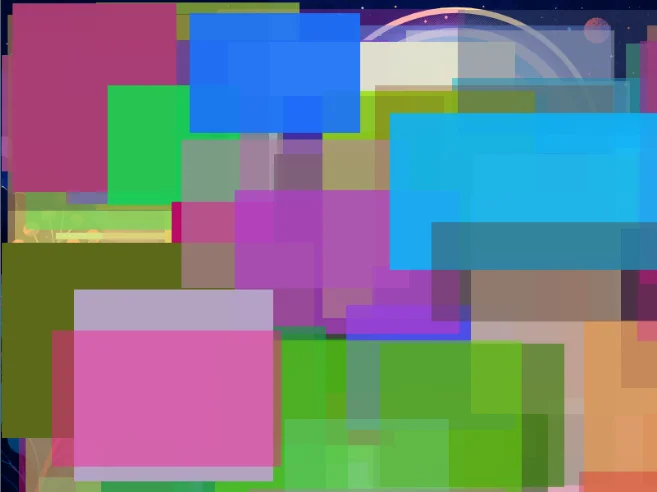 Colored Artifacts128 seeded blocks
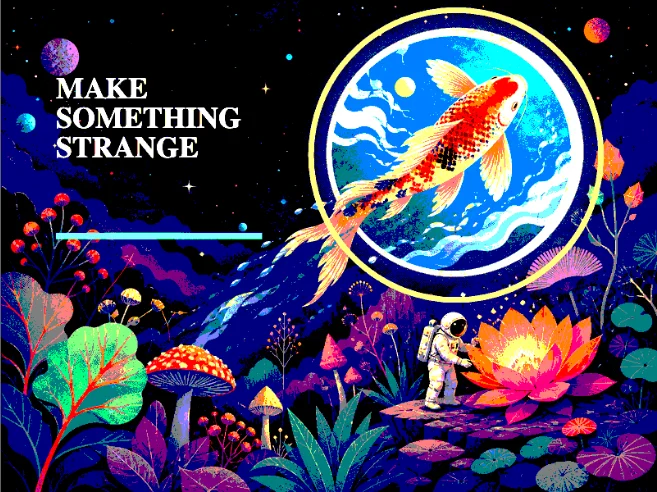 PosterizeThree levels per channel
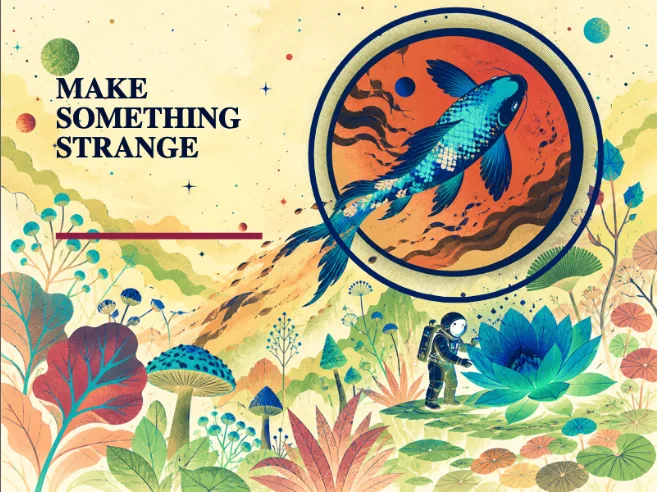 Invert ColorsThe negative print
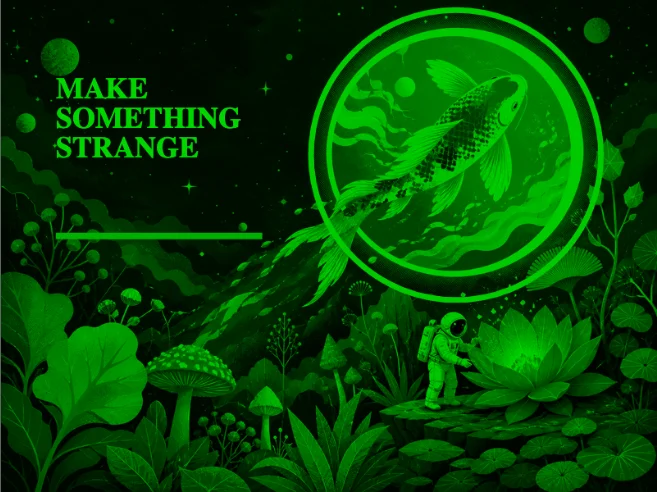 Night VisionGreen response plus grain
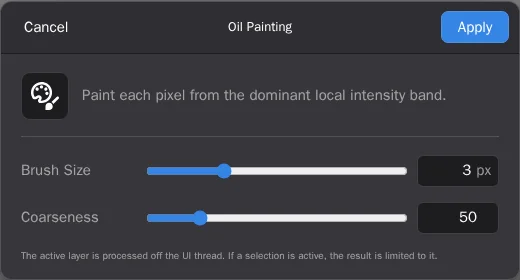
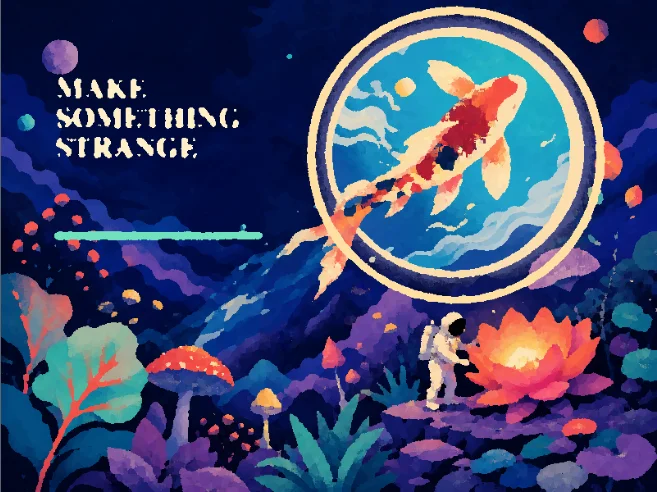 Oil PaintingBrush size and coarseness
Five of these ship switched off. Hexagon Pixelate, Chromatic Aberration, Scanlines, Colored Artifacts and Night Vision come from bundled add-ins you enable in the Add-in Manager — which is how the grid was made, and how you would make your own.
Open formats, local files
Pinta Online processes images in your browser. Open several files at once or drag them onto the workspace, edit each in an independent tab, and export to the format that fits your next step.
Local-first Progressive Web App
Install Pinta Online from your browser for an app-like window and offline startup. IndexedDB restores open documents, layers, pixel buffers, selections, zoom, and active tabs on the same device.
Good to know
Yes. The editor at paint.rip is free to use and does not require an account.
No upload step is used for editing. Files are decoded, composited, transformed, and exported in your browser. Workspace restoration is stored locally in your browser’s IndexedDB on that device.
Yes. OpenRaster import and export preserve layer names, visibility, opacity, blend modes, ordering, and pixel data. PNG, JPEG, WebP, BMP, TIFF, PPM, and TGA exports produce composite images.
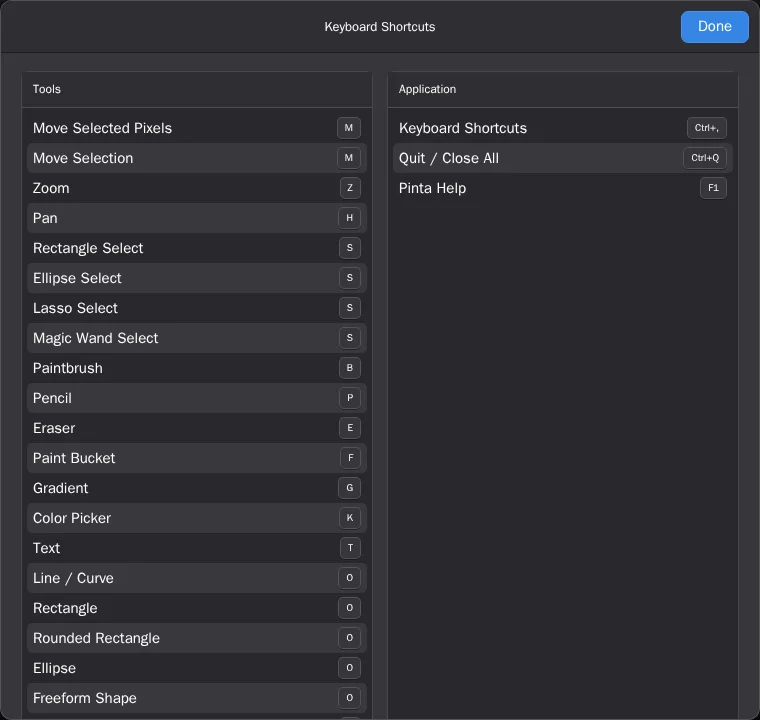
Yes. Pinta accelerators such as Ctrl/Command+N, O, S, W, R, and the original tool keys are captured by the editor while appropriate text-editing shortcuts remain native to focused fields.
Open Effects › Blurs and choose Gaussian Blur, Motion Blur, Radial Blur, Zoom Blur, Unfocus, or Fragment, then set the radius or distance while the preview updates. To blur only part of a photo—a face, a license plate, a busy background—make a selection first and the blur stays inside it. For a blocky censor look, Effects › Distort › Pixelate works the same way.
Yes. Crop to a selection, resize, flip, and rotate, then fix exposure and color with Auto Level, Curves, Levels, Brightness / Contrast, and Hue / Saturation. The Photo effects add Sharpen, Red Eye Removal, Soften Portrait, Glow, and Vignette, and the Noise group has Reduce Noise and Median. Save the result as JPEG, PNG, or WebP.
No. Paint.rip is an independent browser edition of Pinta, based on Pinta 3.2 and reusing its native artwork, shortcuts, and interaction vocabulary. The desktop C# and GTK application and its downloads live at the upstream Pinta project website.
Yes. A supported desktop or mobile browser can install Pinta Online as a Progressive Web App. Once cached, its interface can start offline; opening new local files does not require a network connection.
Nothing to install first
Open Pinta Online, press Ctrl/Command+N, and make something.
Launch Pinta Online